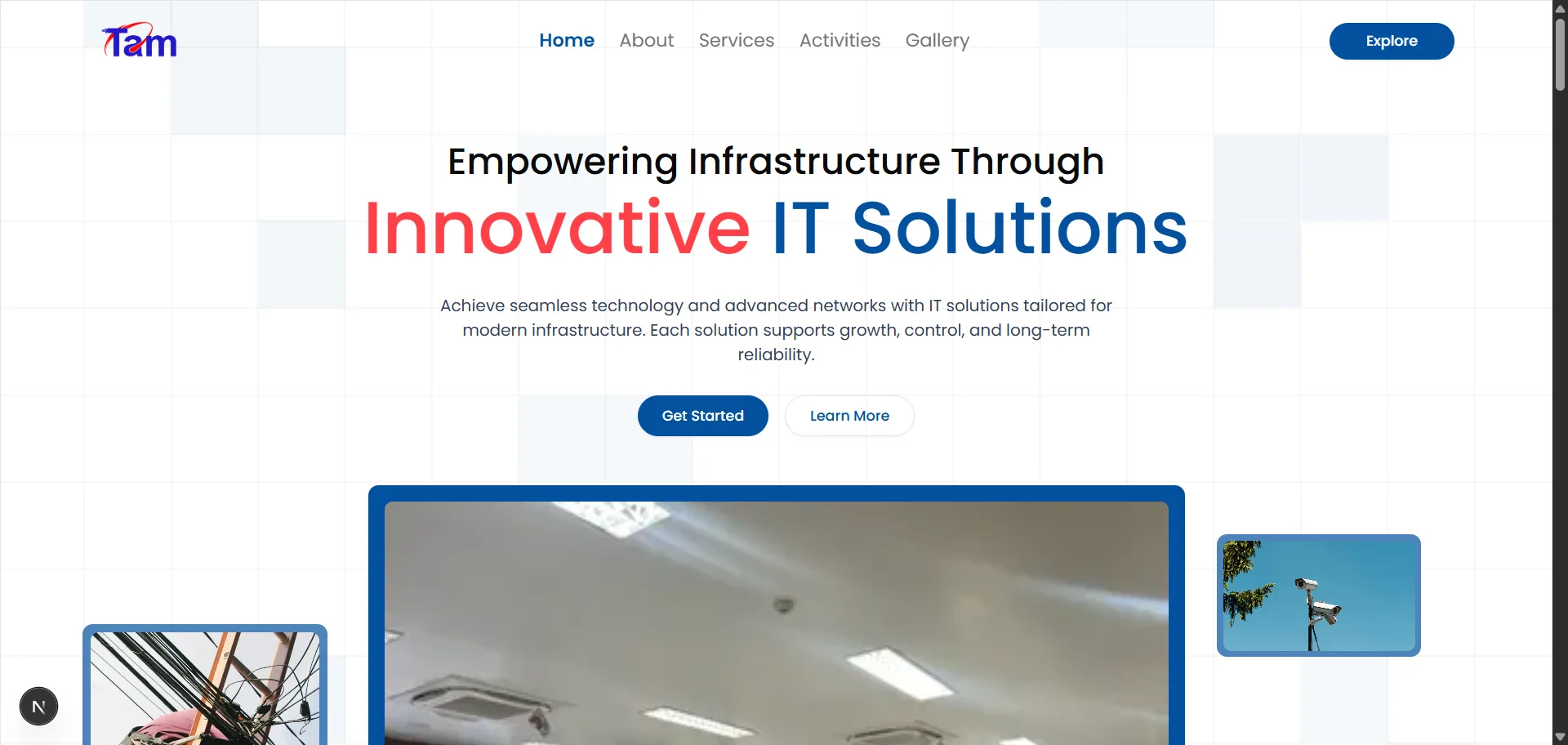
Project Report TAM
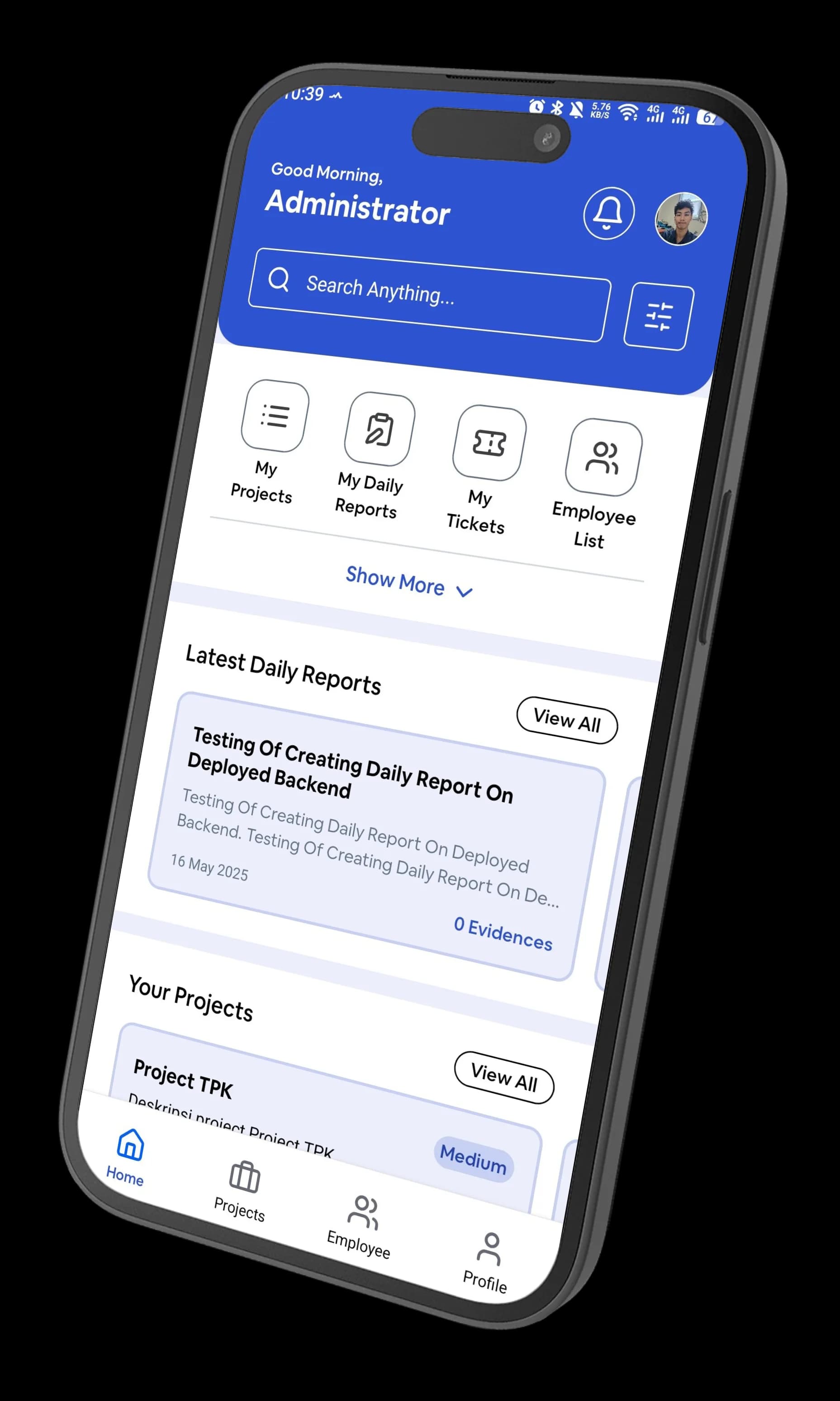
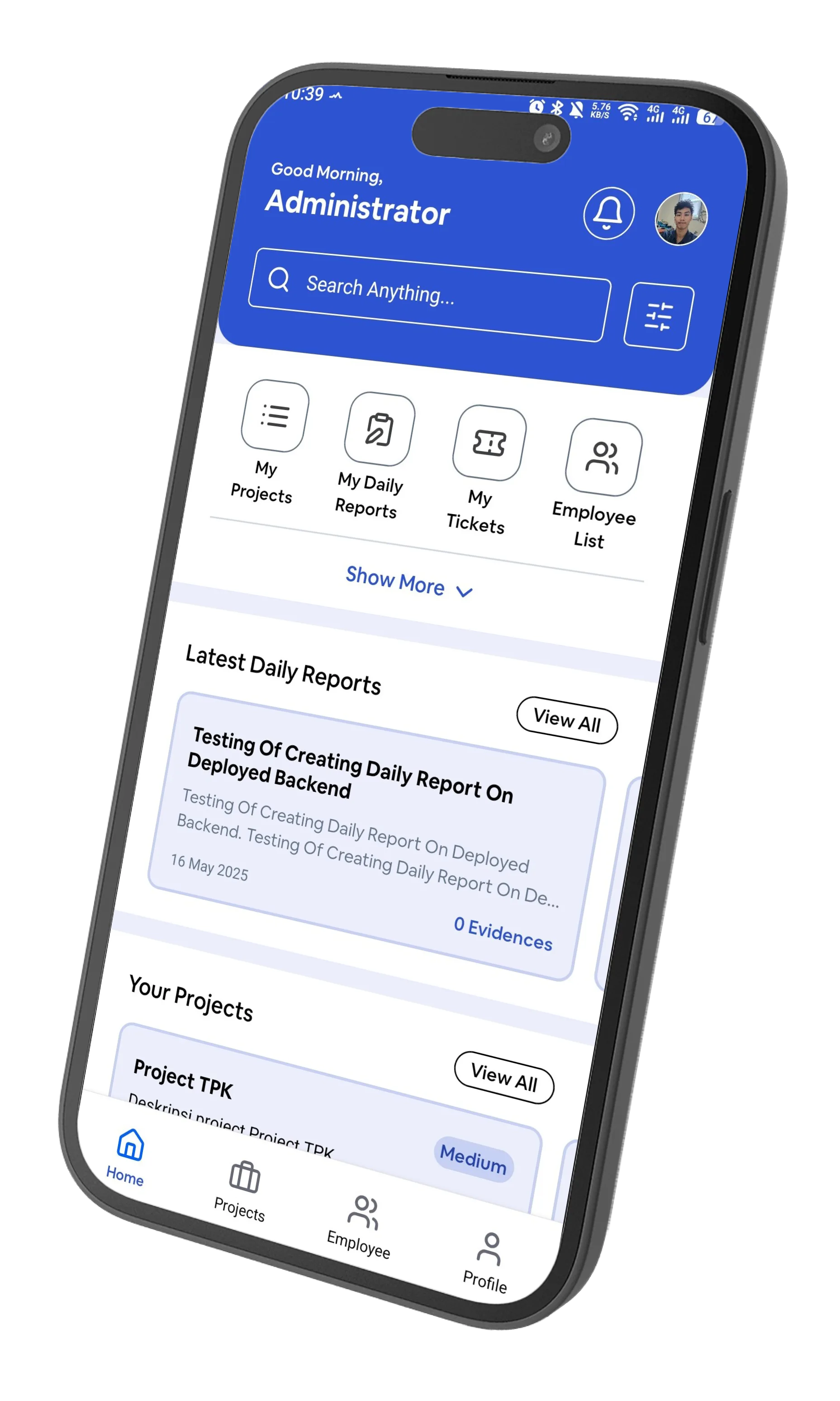
A mobile app, web dashboard and API that turn field work into evidence: geotagged photos, daily reports and tickets, exported straight into the Word documents clients sign off.
TAM's field teams install networks, CCTV and infrastructure across many sites at once, and every job has to end with proof: photos of each task, where and when they were taken, and a report the client can sign. That proof used to be collected over chat and assembled by hand into documents.
Project Report TAM replaces that with one system in three parts: an Expo app technicians carry in the field, a Next.js dashboard for the office, and an Express API with Prisma behind both. Work is organised from programs down to projects, tasks and evidence, and the documents clients receive are generated from it, not typed.
Results
3
Apps sharing one API: Android, web dashboard, backend
14
API modules, from programs and tasks to tickets and notifications
1-click
Word evidence documents generated from a template
90+
Commits across the three repositories
How the work is organised
Programs → projects
Programs group related projects. Each project has dates, a status and assigned employees, and staff can be assigned at program level too.
Tasks and evidence
Projects break down into tasks (type, item, quantity), and each task collects evidence entries, each holding a set of photos.
Reports and discussions
Progress reports carry a location, serial number and photos, with threaded discussions so the office can ask questions on the report itself.
Daily reports
Every employee files a daily report with photos; managers browse them by person and date.
Tickets
Requests between staff, with a requester, a handler and a message thread, tracked from both sides.
Roles and features
Permissions are data: roles are linked to named features, so access can change without a release.
Evidence that proves itself
A photo only counts as evidence if you can tell where and when it was taken. The app's camera flow reads the phone's GPS, reverse-geocodes it into a street address, and stamps the date, time, coordinates and address onto the photo before upload, rendering the overlay with react-native-view-shot. The untouched original is uploaded alongside it as the base image, so the stamped copy can always be checked against the source.
On the server, every upload goes through sharp: auto-rotated, capped at 1920 px and re-encoded as mozjpeg at quality 80, so a day of field photos doesn't fill the disk or a technician's data plan.
Documents, not data entry
Clients don't want a dashboard; they want a document. The API fills a Word template with docxtemplater and its image module, pulling each task's photos into the file at a fixed width with the aspect ratio kept, and hands back a finished .docx for a project or a daily report. Photos can be flagged for export, so only the right shots make it into the client's copy. On the web side, tables export to Excel for the office.
Live, on every screen
Socket.IO pushes new discussion replies and ticket messages to everyone looking at them, so a conversation about a report happens in real time instead of on refresh, and an in-app notifications feed keeps track of what changed. Clerk handles sign-in on the app, the dashboard and the API, and the web landing page links straight to the latest Android build.
Built with
- Expo / React Native
- NativeWind
- Gluestack UI
- Next.js
- Express
- Prisma
- Clerk
- Socket.IO
- docxtemplater
- sharp
- Expo Location
- TanStack Query
- xlsx
Related Work