Absensi TAM Mobile
The attendance sheet, replaced by a phone: a selfie, a face match and a GPS fix in one tap.
This is the app employees open at the start and end of every workday. Clocking in takes a photo, checks it against the face they enrolled, and records where they are. The distance to the office is shown before they submit, so nobody is surprised by a check-in that lands outside the radius.
The same app covers everything that used to be a paper form: sick notes, permission and annual leave, overtime and field assignments. Supervisors and managers approve those requests from their own phones.
Day to day in the app
Face enrollment first
Check-in stays locked until the employee enrolls their face, so every attendance photo has something to match against.
Location-aware check-in
Live GPS, Haversine distance to the office and a reverse-geocoded address are captured with each clock-in.
Approvals on the go
Attendance verification, leave, overtime and field duty each have their own review screen with notes.
A full employee file
Identity, employment, contact details, work history, training and documents, all kept in the profile tab.
Results
< 10 s
Average time to clock in
−90%
Paper leave and overtime forms
95%
Of employees clocking in from the app
Built with
- React Native
- Expo
- Expo Router
- NativeWind
- TanStack Query
- Zustand
- Expo Camera
- Expo Location
- Clerk
One backend, two clients
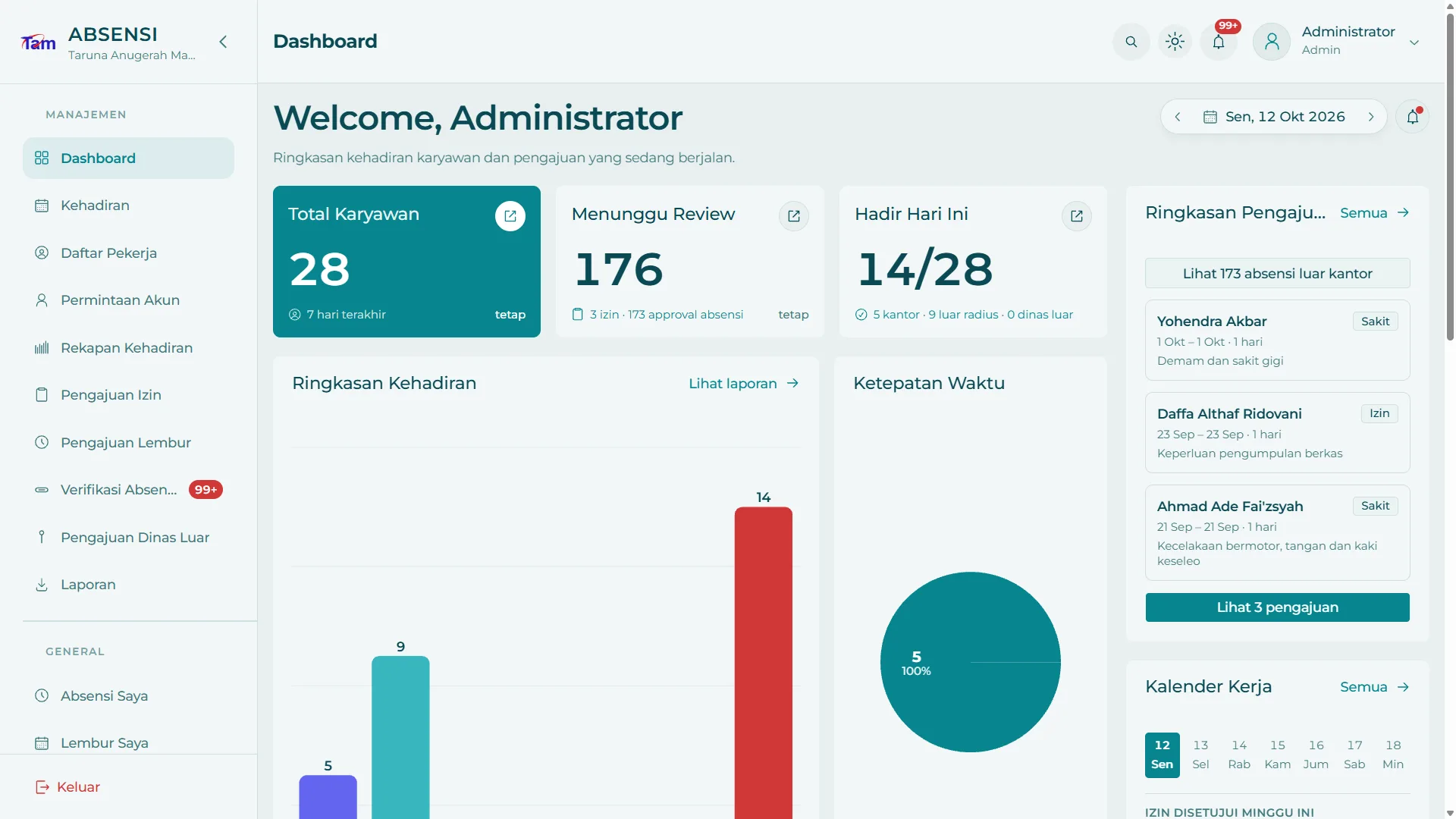
The app doesn't have a backend of its own. It talks to the Absensi TAM web system, which also runs the admin dashboard, so a leave request filed on a phone shows up for HR as soon as it's sent. Fixes ship over the air with Expo Updates, so most of them reach employees without a new store release.
Related Work